How to Crack Databricks Certified Data Engineer Professional in 2026
The Databricks Certified Data Engineer Professional exam has a reputation for being the toughest of the Databricks certification ladder, and after sitting the in-person exam and clearing it, I can confirm that reputation is earned. This isn't a certification you pass by memorizing flashcards. It rewards people who have actually built and broken pipelines on the platform. Here's an honest, topic-by-topic breakdown of what the exam covers, where most candidates (myself included) lose points, and how to structure your prep so you walk in ready.
Quick context: This exam sits above the Databricks Certified Data Engineer Associate certification and assumes you already have hands-on experience with Spark, Delta Lake, and the Databricks workspace. If you're still shaky on the fundamentals, it's worth solidifying the Associate-level material first before attempting this one.
What the Exam Actually Covers
The Professional exam is broad by design — it spans coding, pipeline architecture, data sharing, governance, security, monitoring, cost optimization, and deployment. Based on my own attempt, here are the domains you need to prepare across:
- Developing Code for Data Processing using Python and SQL — structuring Python projects for Databricks Asset Bundles, managing third-party library dependencies, writing Pandas/Python UDFs, and building tests with tools like assertDataFrameEqual and assertSchemaEqual.
- Data Ingestion & Acquisition — ingesting Delta, Parquet, ORC, Avro, JSON, CSV, XML, text, and binary data from message buses and cloud storage, including append-only pipelines for batch and streaming.
- Data Transformation, Cleansing and Quality — advanced Spark SQL and PySpark transformations (window functions, joins, aggregations) plus quarantining bad data using Lakeflow Declarative Pipelines or Auto Loader.
- Data Sharing and Federation — Delta Sharing between Databricks workspaces (D2D) and to external platforms (D2O), plus configuring Lakehouse Federation with proper governance.
- Monitoring and Alerting — using system tables, the Query Profiler, Spark UI, and Lakeflow event logs for observability, and setting up SQL alerts and job notifications.
- Cost & Performance Optimisation — Unity Catalog managed tables, deletion vectors, liquid clustering, data skipping, file pruning, and using Change Data Feed to improve latency.
- Ensuring Data Security and Compliance — ACLs, least-privilege enforcement, row filters, column masks, anonymization techniques (hashing, tokenization, suppression, generalization), and PII masking pipelines.
- Data Governance — metadata and documentation practices, and the Unity Catalog permission inheritance model.
- Debugging and Deploying — troubleshooting with Spark UI, cluster logs, and system tables; job repairs; and CI/CD with Databricks Asset Bundles and Git Folders.
- Data Modelling — designing scalable Delta Lake data models, applying liquid clustering over partitioning/Z-Order, and dimensional modeling for analytics.
My Actual Score Breakdown — and What It Tells You
I passed the in-person exam, but the topic-level scoring is honestly more useful to you than the pass/fail result itself, because it shows exactly where the exam bites hardest even for someone with real project experience.
| Domain | My Score |
|---|---|
| Data Sharing and Federation | 100% |
| Ensuring Data Security and Compliance | 100% |
| Debugging and Deploying | 83% |
| Data Ingestion & Acquisition | 75% |
| Data Governance | 75% |
| Developing Code for Data Processing using Python and SQL | 69% |
| Data Transformation, Cleansing and Quality | 66% |
| Data Modelling | 50% |
| Monitoring and Alerting | 40% |
| Cost & Performance Optimisation | 37% |
The pattern here is telling. Governance, security, and sharing are conceptually cleaner topics — the rules are fairly binary, so once you understand ACLs, Delta Sharing, and masking approaches, they stick. Monitoring/Alerting and Cost/Performance Optimisation, on the other hand, are scenario-heavy: the exam expects you to read a symptom (a slow query, a cost spike, a failed job) and diagnose the underlying cause using system tables, Query Profiler, or Spark UI output. That's much harder to cram and needs actual screen time inside a workspace.
Where to Focus If You're Starting Fresh
- Cost & Performance Optimisation: Spend real time in the Query Profile UI looking at data skipping, join strategies, and shuffle stages on a live cluster — not just reading about liquid clustering in theory.
- Monitoring and Alerting: Get comfortable with system tables for billing and audit logs, and actually configure a SQL alert and a job-failure notification end to end.
- Data Modelling: Practice choosing between liquid clustering, partitioning, and Z-Order for different table shapes, and work through a dimensional modeling example on Delta Lake.
Understanding the Exam Format
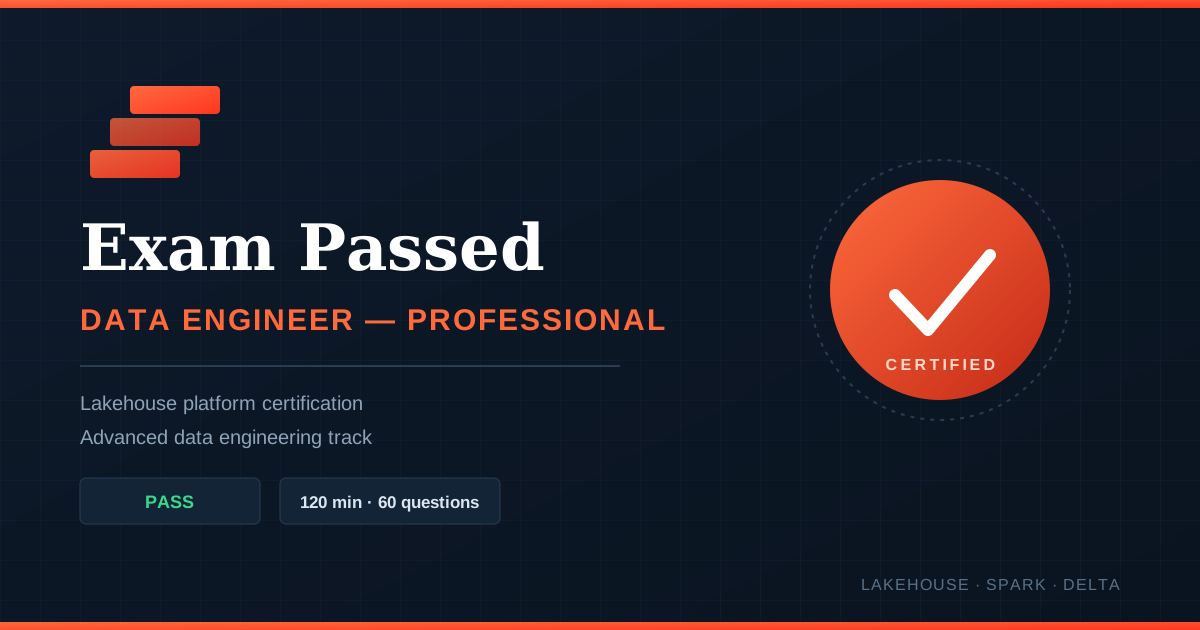
The Professional exam is a 120-minute, multiple-choice format, and it's noticeably more scenario-driven than the Associate exam — expect code snippets, architecture descriptions, and "what would you do next" style questions rather than pure definitions. A handful of unscored items may be mixed in for future test development, so treat every question as if it counts.
How I Prepared: Course + Hands-On Practice
Rather than relying only on documentation, I worked through a structured Udemy prep course built specifically for this certification, which covers the Lakehouse fundamentals along with hands-on labs across the exam's domains — Python project structure for Databricks Asset Bundles, Lakeflow Declarative Pipelines, CDC with APPLY CHANGES, Delta Sharing, Lakehouse Federation, Unity Catalog governance, PII masking, and CI/CD with Git-based deployment.
What made the difference wasn't just watching the videos — it was replicating each demo inside an actual Databricks workspace, then deliberately breaking things (a bad schema, a missing permission, an inefficient join) to see what the diagnostic tools actually showed. That's the exact skill the exam is testing.
A Practical Study Plan
- Week 1–2: Refresh Spark fundamentals, Delta Lake internals, and Python/SQL patterns for Databricks. Work through Lakeflow Declarative Pipelines and Auto Loader hands-on.
- Week 3: Focus on governance and security — Unity Catalog permission model, ACLs, row filters/column masks, and anonymization techniques. Follow with Delta Sharing and Lakehouse Federation labs.
- Week 4: Go deep on the weak spots most candidates share — cost/performance optimization (Query Profiler, liquid clustering, deletion vectors) and monitoring/alerting (system tables, SQL alerts, job notifications).
- Final days: Practice CI/CD deployment with Databricks Asset Bundles and Git Folders, review job debugging and repair workflows, and take at least one full-length timed practice exam.
Final Thoughts
This exam doesn't reward passive studying. The topics where I scored highest were the ones I'd actually configured myself — sharing, security, governance. The topics where I scored lowest were the ones I understood in theory but hadn't spent enough live time diagnosing inside a workspace — cost optimization and monitoring. If you take one thing from this: build real pipelines, break them on purpose, and learn to read what Databricks' own tooling tells you when something goes wrong. That's the actual skill behind the certification, and it's what will get you through the exam room.